 TillYouDo
The TillYouDo guide
Remember birthdays, bills and regular commitments
Some things happen once. Some deserve a place in your calendar every month or every year.
Updated 27 September 2026 · iPhone · iOS 26+
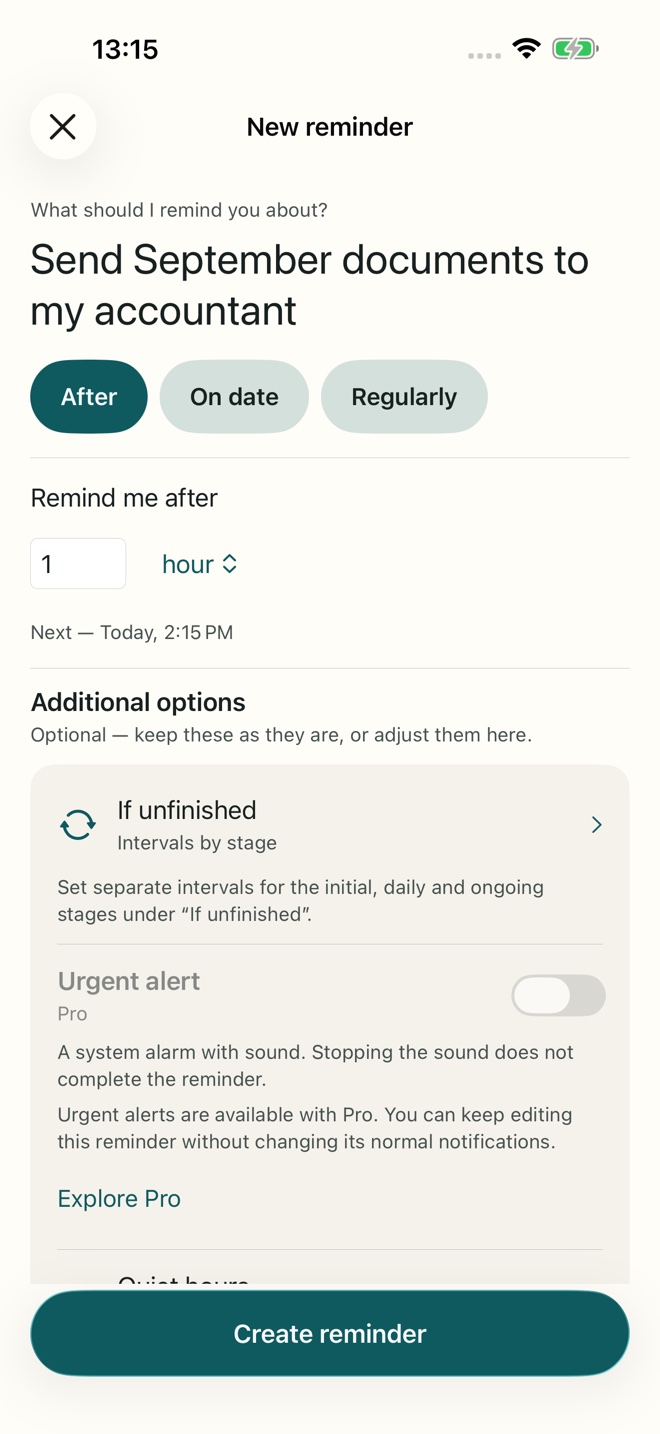
Choose a regular schedule
Tap the plus button and choose the regular schedule option. Name the action, then select the recurrence and time. A monthly “Pay the internet bill” or weekday “Send the end-of-day update” gives the reminder enough context to be useful. Review the next scheduled time before saving.
Free schedules and Pro schedules
One-time, daily, workday, a single selected weekday and monthly reminders are included in Free. Annual recurrence, every N days/weeks/months and several selected weekdays require Pro for new use. The editor shows the relevant Pro label before you save.
A birthday that does not disappear in the morning
For “Call Alex on his birthday”, choose annual recurrence in Pro and a time when you can actually call. If you are busy when it arrives, use Snooze. A yearly schedule and the follow-up plan have different jobs: one sets the next birthday, the other handles the unfinished reminder today.
One open occurrence at a time
TillYouDo does not pile up several open copies of one recurring reminder. Explicit completion or an available Skip closes the current occurrence and lets the next scheduled one proceed. Swiping away a notification does not close it.
Recheck after a change
When you edit a regular schedule or your time-zone situation changes, check the next time displayed in the app. Use the app’s next-delivery information rather than assuming a date from an old notification.